

How It Works
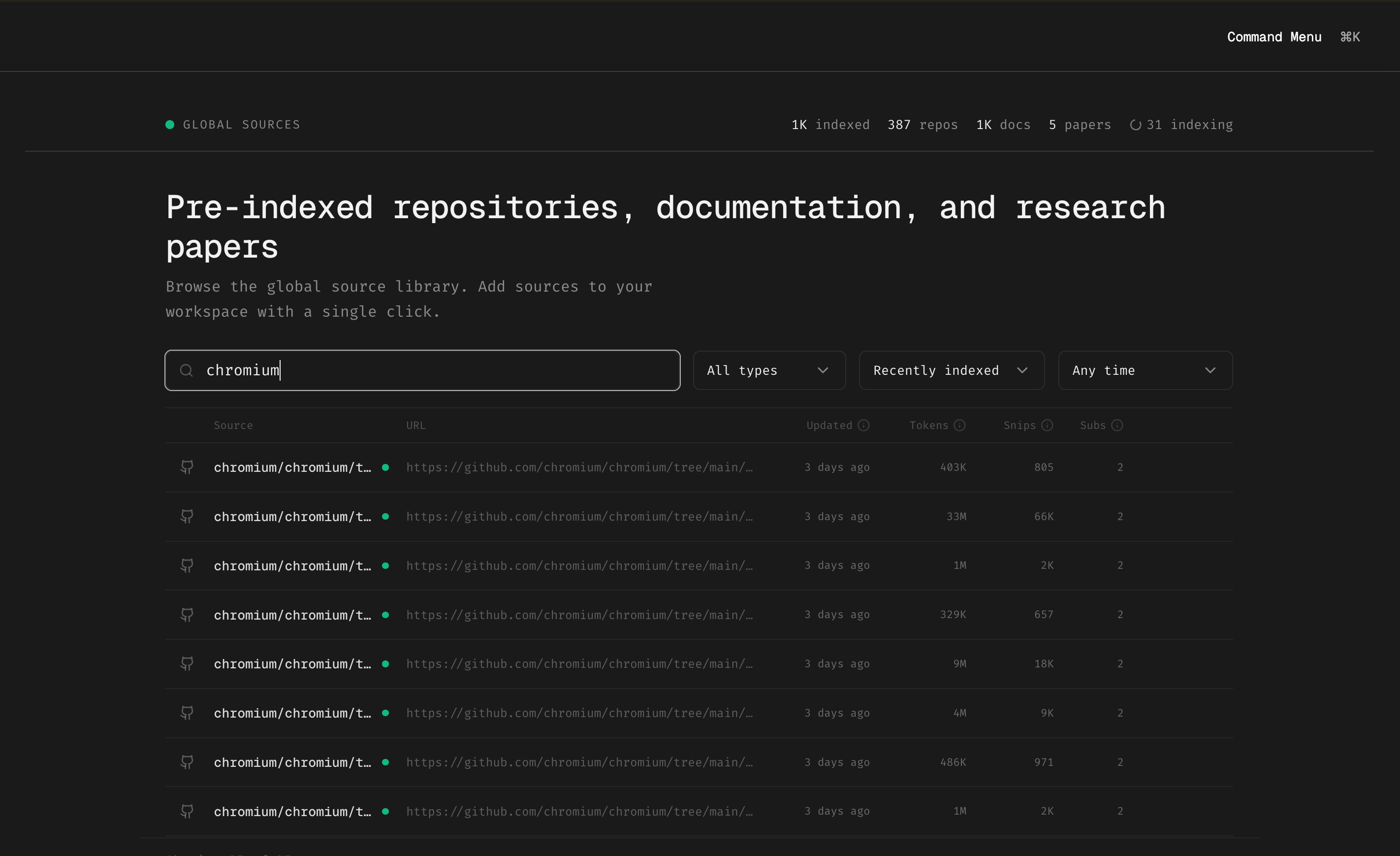
Instead of indexing heavy frameworks yourself and waiting for the job to complete, you can subscribe to sources that others have already indexed:- Browse the library at app.trynia.ai → Global Sources
- Search for the repository, documentation, or paper you need
- Click to subscribe — instant access, no indexing required
Popular Pre-indexed Sources
Some of the most subscribed sources include:- Chromium — Full browser codebase indexed by folder
- React / Next.js — Framework source + documentation
- FastAPI — Python web framework with docs
- Vercel AI SDK — AI tooling source and guides
- LangChain — LLM orchestration framework
Can’t find what you need? Index it yourself and it becomes available for others to subscribe to.
Benefits
Getting Started
1
Open Global Sources
Go to app.trynia.ai and navigate to the Global Sources section
2
Search or Browse
Use the search bar to find specific projects, or browse by type (repos, docs, papers)
3
Subscribe
Click on any source to add it to your workspace. It’s immediately available for search.
4
Start Searching
Use Nia’s search tools to query across your subscribed sources